Case study
Sorted
Rapid Iterative Usability Testing — Building a Database
The Challenge
The Sorted team had never done user testing previously, and needed to be convinced of its value before launch.
Sorted is a mobile application that lets users sort their business and personal expenses at the swipe of a button. By linking their bank account, the app automatically tracks all of the expenses on the account and populates them within the app. The app is intended to help small business owners keep track of their expenses, and it prepares tax reports for them come tax time.
The app was in its second build, and the team wanted to test the app’s usability before beta launch. Seeing as the team had never done any testing before, it was important for me to not only demonstrate the value of user testing to the team, but also help them incorporate user testing into their sprint flow at a regular cadence.
Audience
The app is primarily targeted at small business owners who manually track expenses and use their personal bank account to keep track of both business and personal expenses.
These individuals tend to be aged 35 to 60 and have varying levels of tech savviness. Usually, these small business owners keep track of everything themselves and are not big enough to hire an accountant to handle their taxes for them.
Therefore, it was imperative that the experience be both easy and hassle-free if it was going to be an improvement over users’ current methods of tracking expenses.
The Approach
As with any usability test, the goal of the first test, and the tests that followed, was to see how well users could accomplish the tasks assigned to them with no help from me as the moderator.
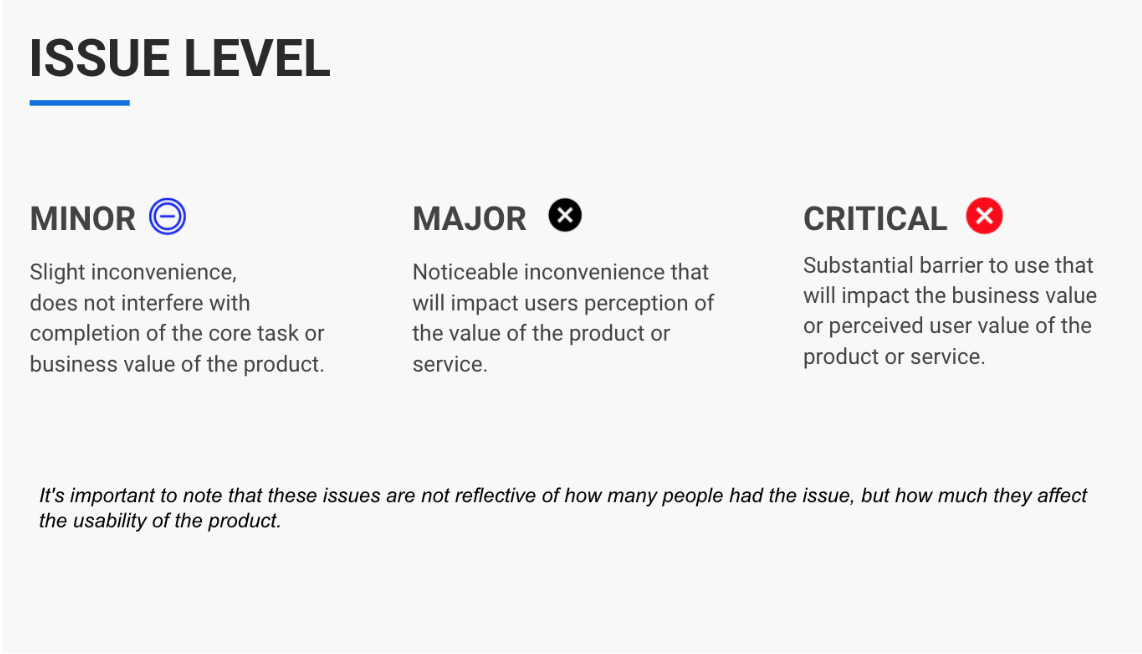
Based on how well users were able to accomplish the given tasks, I evaluated the usability issue level.
First Sprint
The first usability test was structured to be a baseline to compare with future tests.
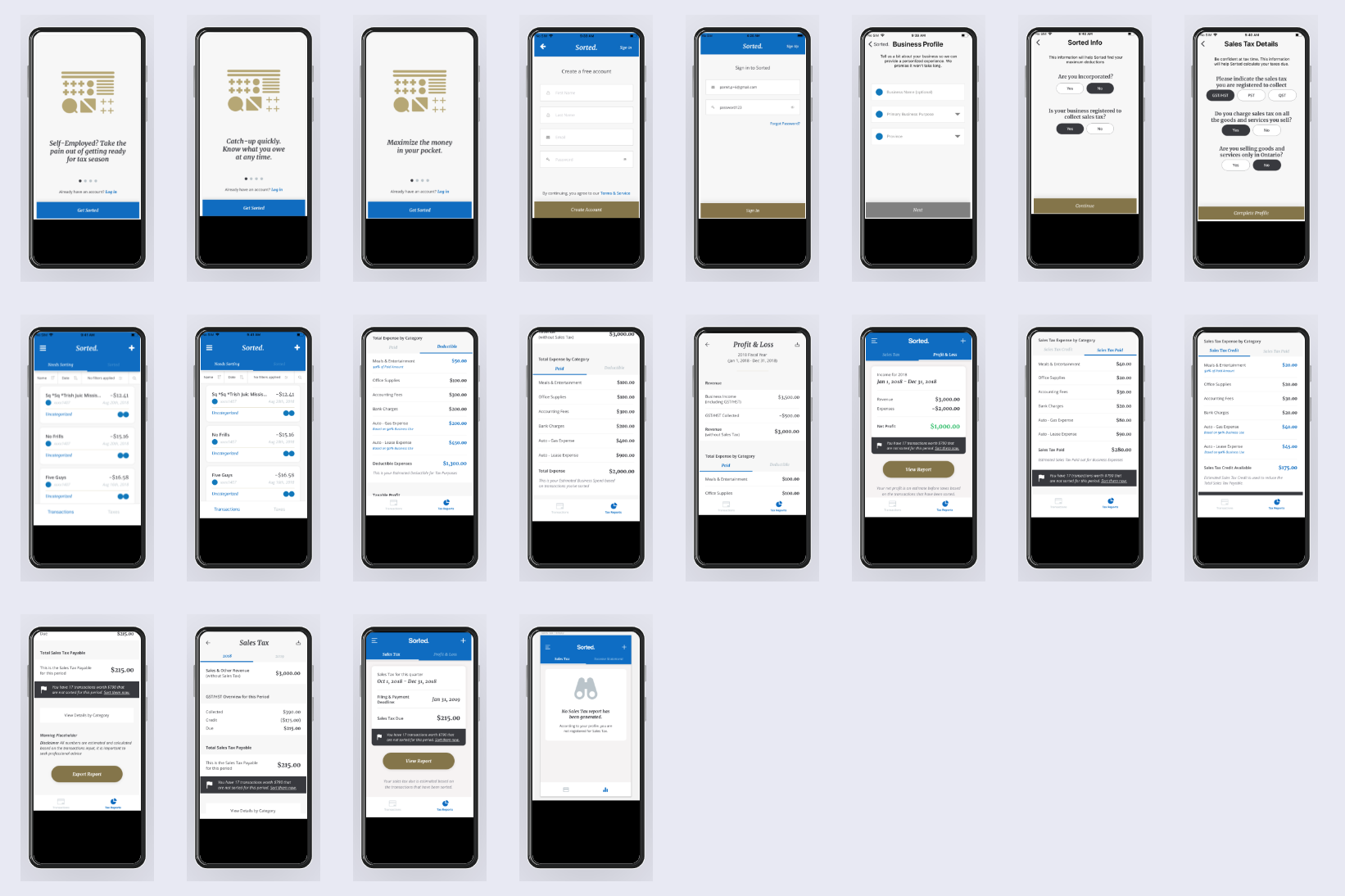
As nothing had been tested previously, it was important to test every critical flow that a user might go through. I went through the app experience and determined what those key flows were, and developed a test based on them.
Task Flow
- Sign Up & Onboarding
- Business Profile Set Up
- Expense Sorting Tasks
- Tax Report Output
I ran a usability test using a test build of the app with 6 participants, all of whom were small business owners, through this task flow.
Results
The results of the test showed that the app was riddled with usability issues and needed a lot of work to be done to make it a great experience.
28 Total Issues
- 9 – Critical Issues
- 8 – Major Issues
- 11 – Minor Issues
Key Takeaways
- Missed Value Proposition — Users did not have a clear understanding of the app to feel comfortable enough linking their bank account to it.
- Instructions for Use Lacking — Users struggled to accomplish tasks as they were seldom told how to do anything in the app.
- Findability Problem — Users had trouble finding and noticing things throughout the app.
Next Steps
The importance of usability testing made clear.
Upon presenting the results, the team saw firsthand the value of usability testing, as they believed there were few issues up to this point. They were convinced of its value and wanted to do more testing.
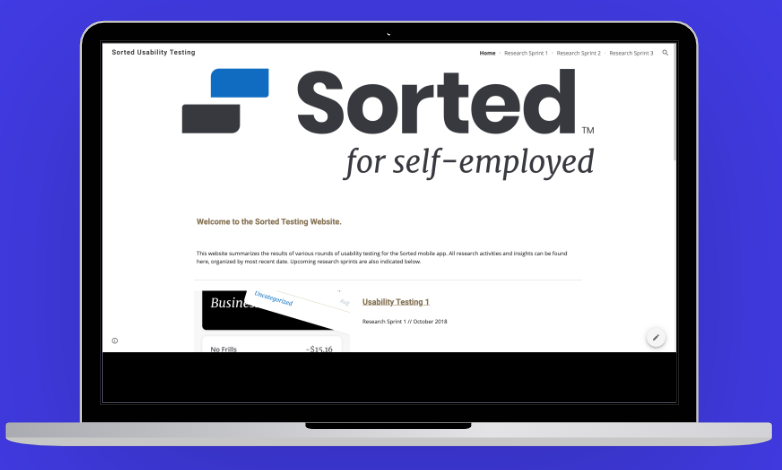
To give the team easy access to both the current and future testing, I created a website that would function as a database for all of the user testing done for the team. This would go on to include six usability tests, three conceptual tests, a persona validation test, and several new feature tests.
Second Sprint
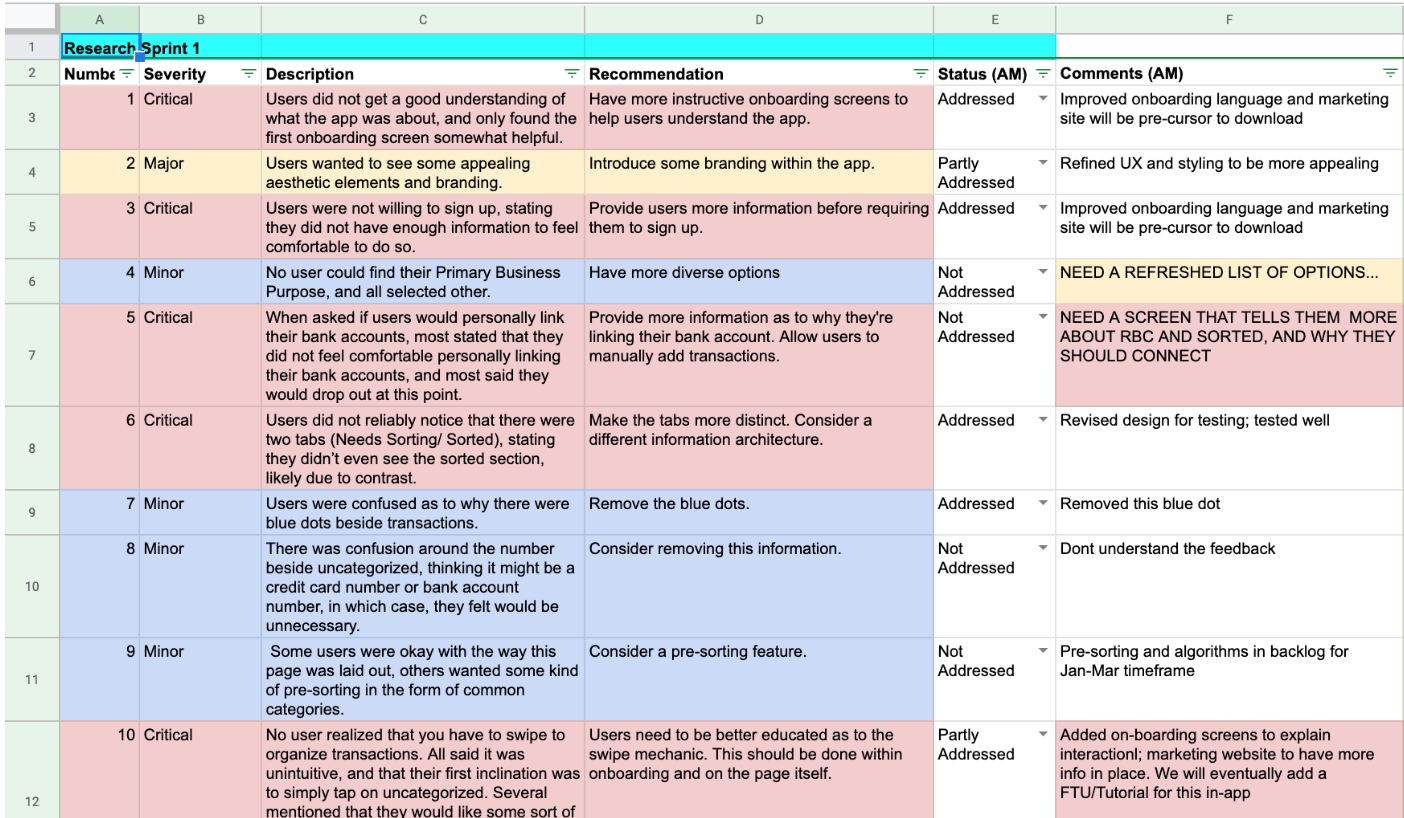
A spreadsheet given to the team that lists every issue and recommendations on how to address each issue.
It was updated after every sprint and allowed the team to keep track of addressing issues.
Changes Implemented
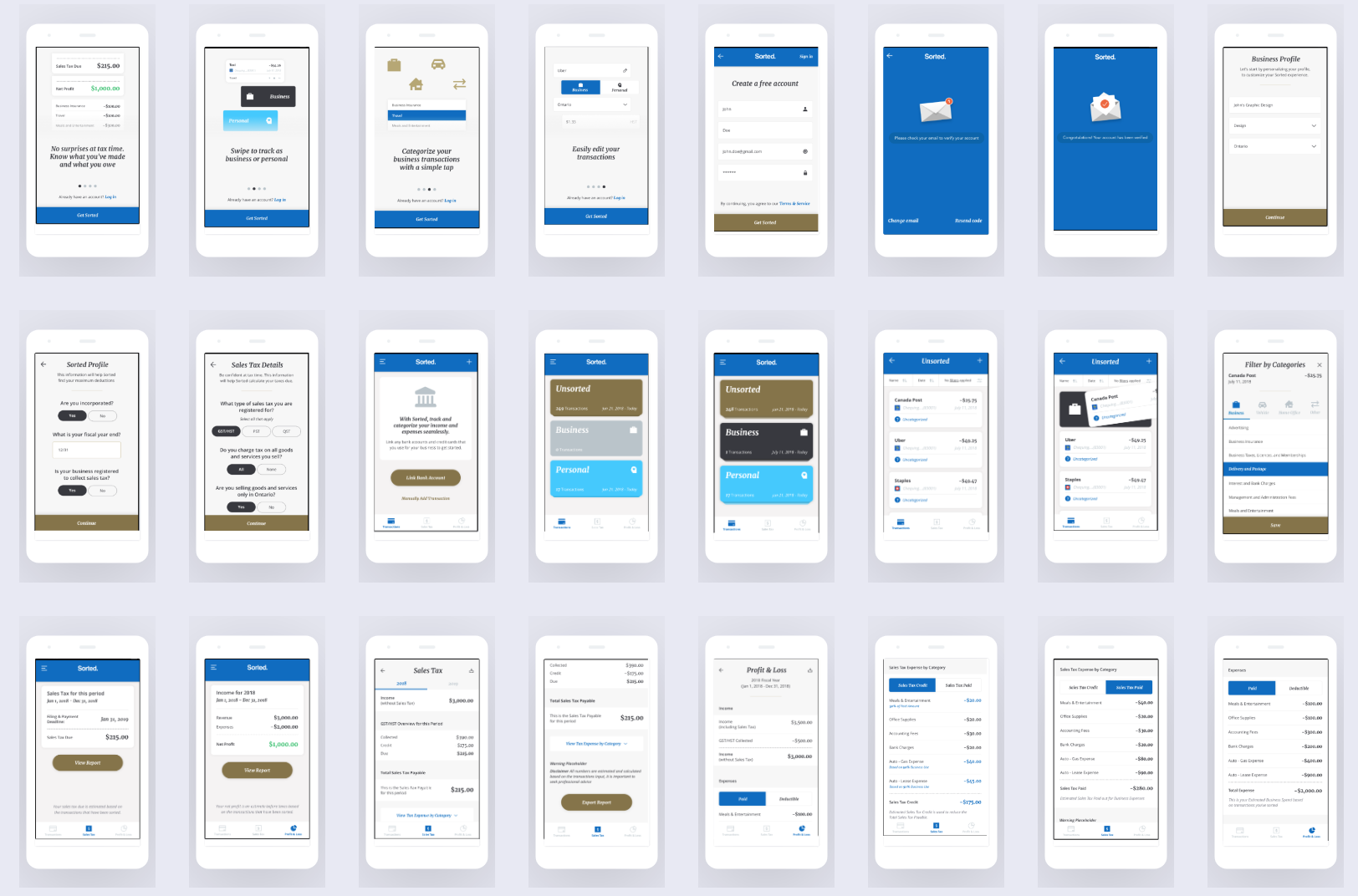
- App Store Description — An app store description that participants would first see before downloading the app was given to users.
- More Detailed Onboarding — Onboarding screens described the functionality of the app and how it’s used.
- Different Information Architecture — Navigation to Sorted and Unsorted transactions changed from a tab system to a file system.
- More Distinctive Tabs — Within the tax report pages, tabs were changed to be more distinctive.
The second test followed the same task flow as the first test, so direct comparisons could be made.
Task Flow
- Sign Up & Onboarding
- Business Profile Set Up
- Expense Sorting Tasks
- Tax Report Output
So as to be as lean as possible, the changes we implemented were done in an InVision prototype, which allowed us to make drastic changes without having to rely on development support.
I ran a second usability test with 13 participants, all of whom were small business owners, using the newly iterated prototype.
Results
The second test showed a notable improvement in navigation from the new information architecture, but revealed that there were still issues of trust and understanding.
12 Total Issues
- 3 – Critical Issues
- 6 – Major Issues
- 3 – Minor Issues
Key Takeaways
- Improved Understanding — Users had a much better understanding with the new onboarding screens, but they still did not understand how to use the app as well as they could.
- Information Architecture Improved Findability — The new information architecture helped users find what they were looking for.
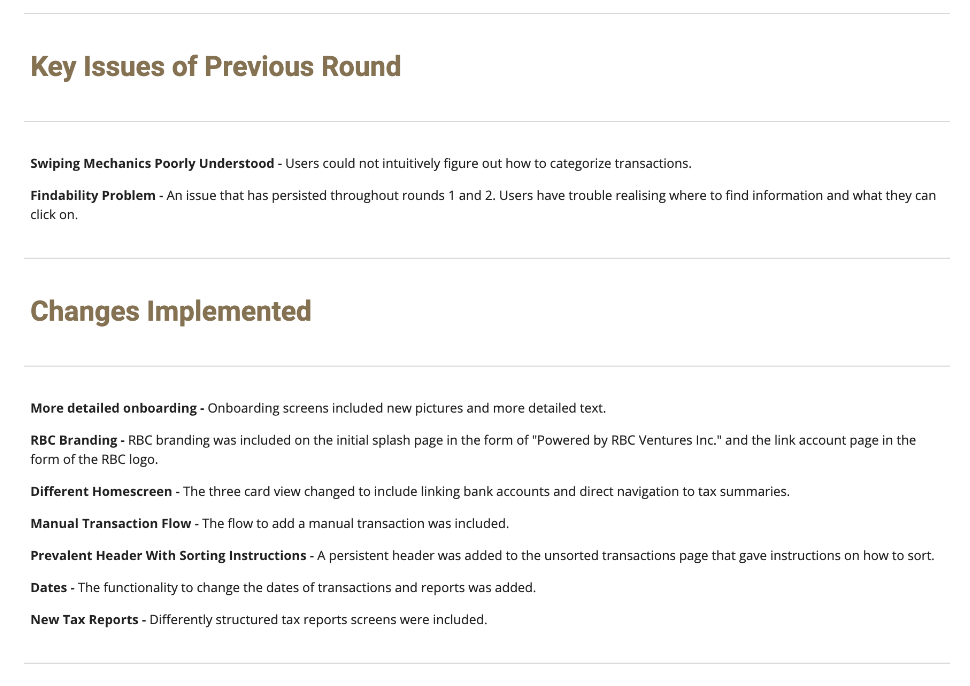
- Core Swiping Feature Unclear — The core interaction of the app, how to sort expenses, was not clearly understood and was unnecessarily inflexible.
Third Sprint
While the overall usability had improved tremendously, the core functionality of sorting needed improvement.
The team was fast approaching the beta launch at this point. Although most elements of the app had improved, the functionality of being able to sort transactions was still poorly understood and had to be addressed.
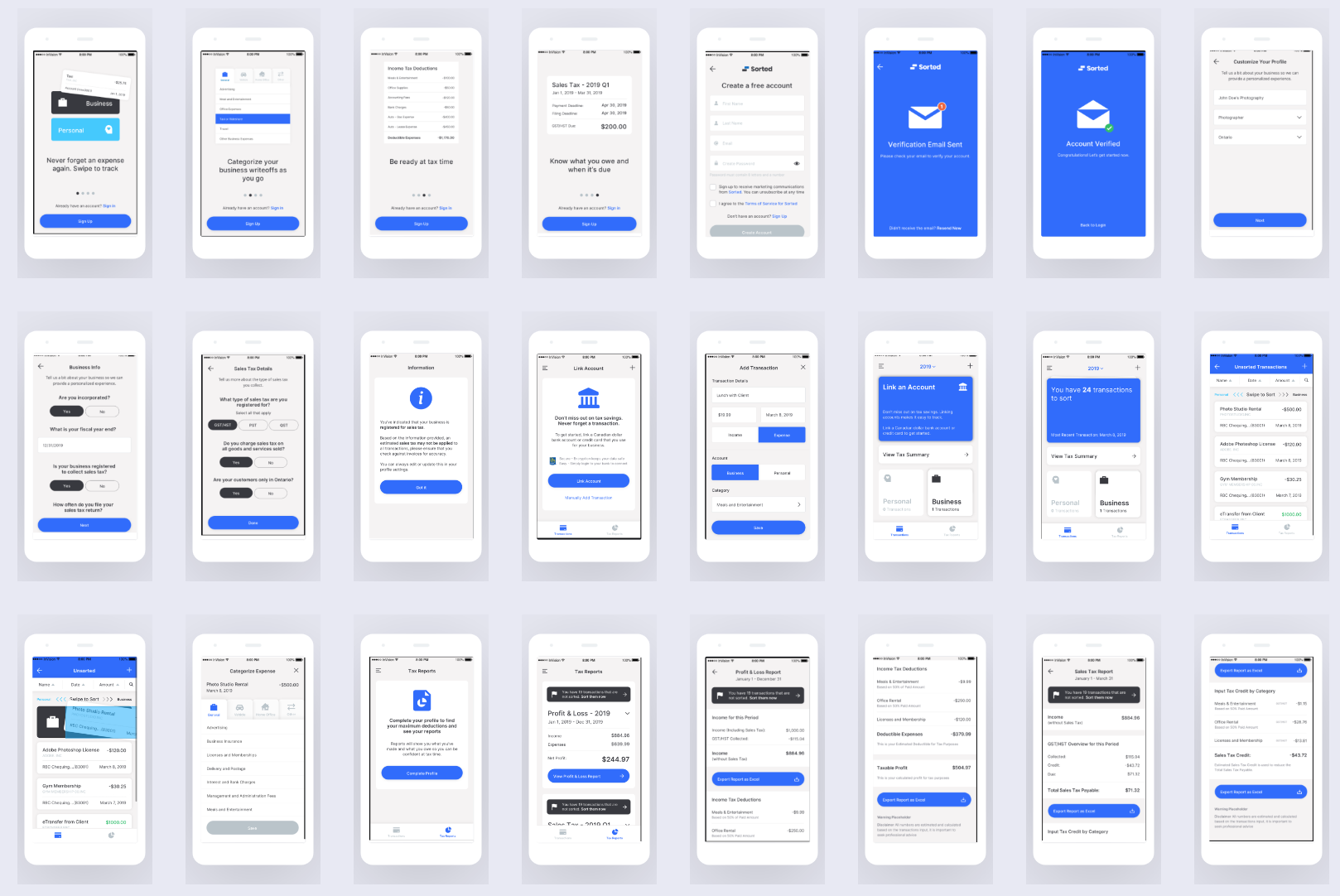
Once again, changes were made in a prototype to address the concerns of the prior sprints, and a usability test was run with 9 small business owners going through the same tasks as before.
Results
The third test clearly showed that incremental changes were effective in addressing the usability issues in the app.
12 Total Issues
- 1 – Critical Issue
- 2 – Major Issues
- 9 – Minor Issues
Key Takeaways
- Clarification Around Main Value Proposition — Users found the most value from the easy way to sort transactions once understood.
- Visual Instructions Are Effective — Although the method of sorting transactions is easy for users, they need to be given a constant visual reminder.
- RBC Branding Improved Trust — Sorted requires users to link their bank account to maximize value. However, users are hesitant to do this for obvious reasons. RBC branding was an effective way to address this problem.
- Tax Reports Need Further Improvement — This was the one area of the app that still fell short and needed further exploration.
Beta Launch
In the course of a month, the Sorted app was transformed.
When we began a month earlier, the team had never tested the app at all with users. The consequence of this was that it had a lot of critical issues, and it was clear that if they were not addressed, the app would be dead on arrival.
By rapidly iterating on our designs, the team was able to address almost every usability issue with zero development effort. The team felt confident putting their development resources towards the latest design of the app, as they had seen clear evidence of what was working.
During the beta, users did not have the same issues that we had identified earlier, and told us that the changes we made were successful. In fact, the major takeaway from the beta was that users wanted new features and did not like the aesthetic of the app, but there were no glaring usability issues.
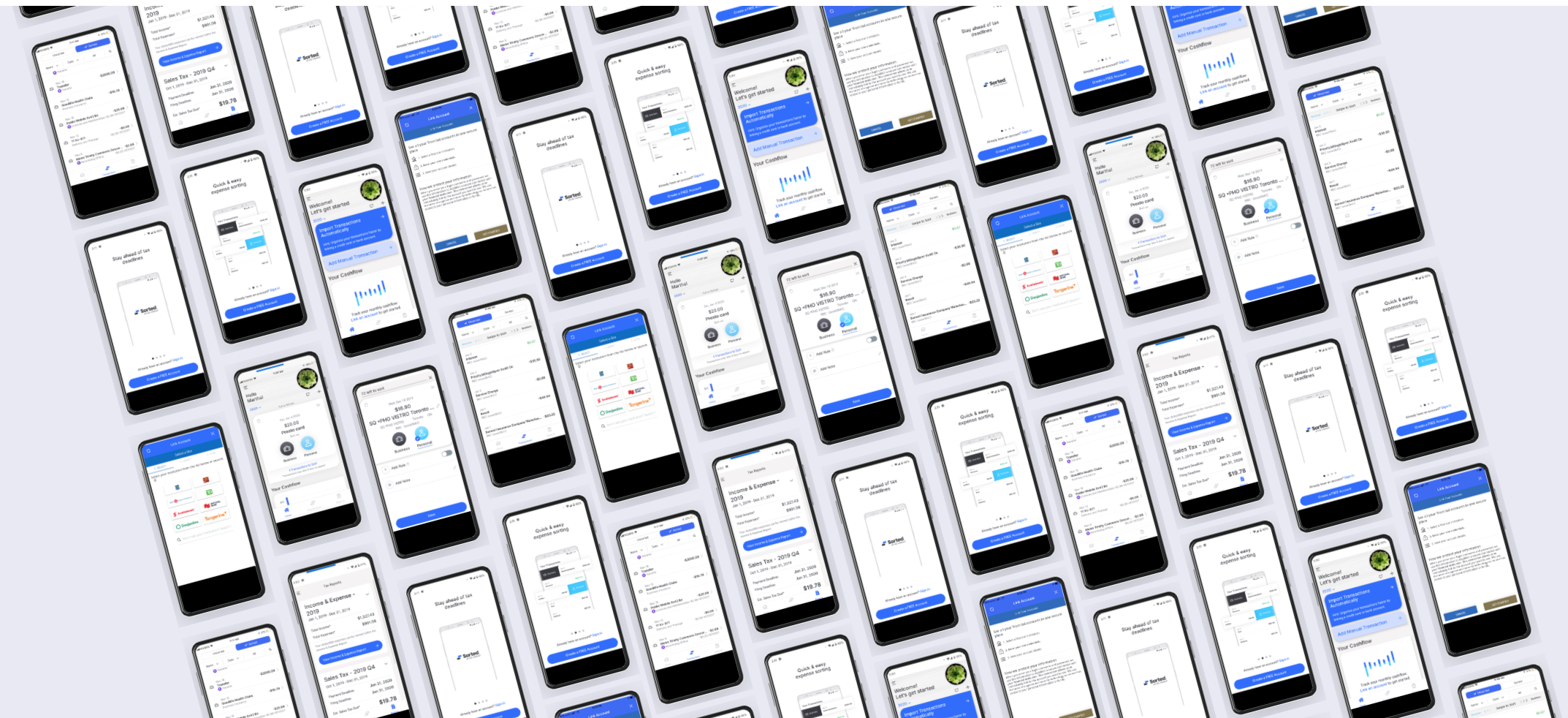
Following the beta, the app received a facelift, which we tested along with new features that were shipped at the official product launch.
Outcomes
- 4 Usability Tests
- 1 Database Created
- 3 Happy Stakeholders
- 1 Successful Launch
The team had a successful beta launch that reduced the number of critical issues from 9 in early testing to only 1, which we addressed before launch. Just as importantly, the team came away with a research repository that went on to house 4 more usability studies and 2 exploratory studies looking at additional features.